
Residents and beds
The Residents tab lists every room with its beds and who lies in each, and the residents without a bed.
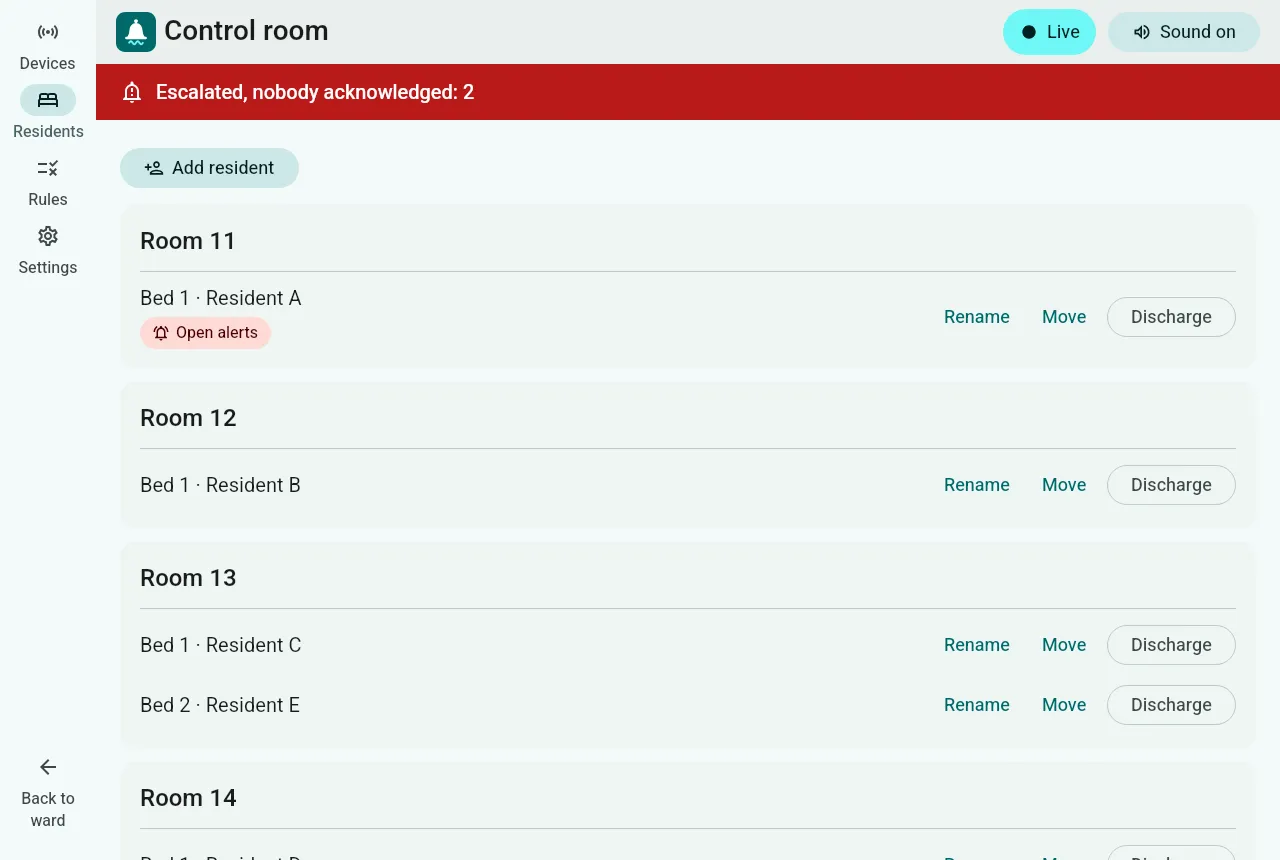
- Add a resident: a name or a pseudonym. Never use real patient data in a demonstration.
- Admit: put a resident without a bed into an empty bed. The bed’s sensors start measuring them.
- Move: to another empty bed. Bed sensors measure the new occupant; their wearables travel with them.
- Rename: change the name shown everywhere.
- Discharge: the resident leaves their bed. A resident with an open alert cannot be discharged until the alert is resolved; the screen explains why.
Every change is recorded with when it happened, and every screen updates at once.