The phone app
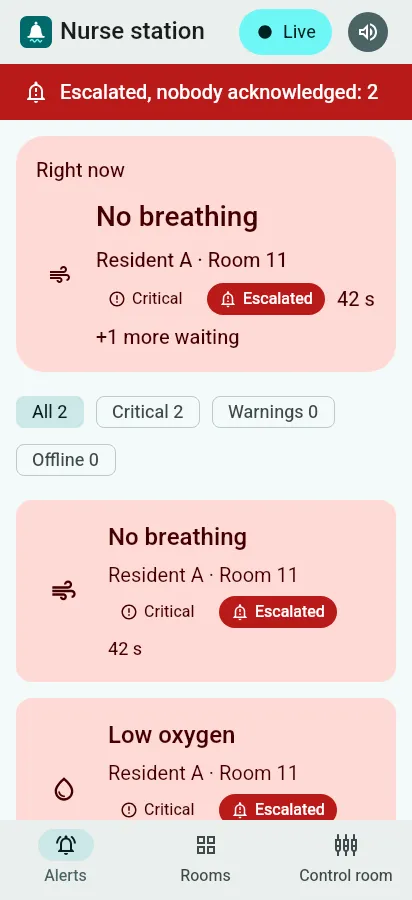
The phone shows the same screens as the nurse station, laid out for one hand: the alerts, the rooms and the control room, in Hebrew or English.
Connect the phone to the server
Section titled “Connect the phone to the server”The phone must be on the same network as the server (the building’s own network).
- Open the app, tap Control room and enter the PIN.
- Open Settings and find Connection. It shows where the phone is connected now.
- Type the server’s address, for example
192.168.1.20:8080(http://is added for you), and tap Save. - Tap Restart now. The app reconnects to the new address and shows Live when it is connected.
An address that is not a server address is refused with an explanation, and nothing is saved.